Windows 11 App
Microsoft Store
WiFi Channel Analyzer
Discover everything in reach of your antennas. See which WiFi channels around you are crowded and pick the one that is free.
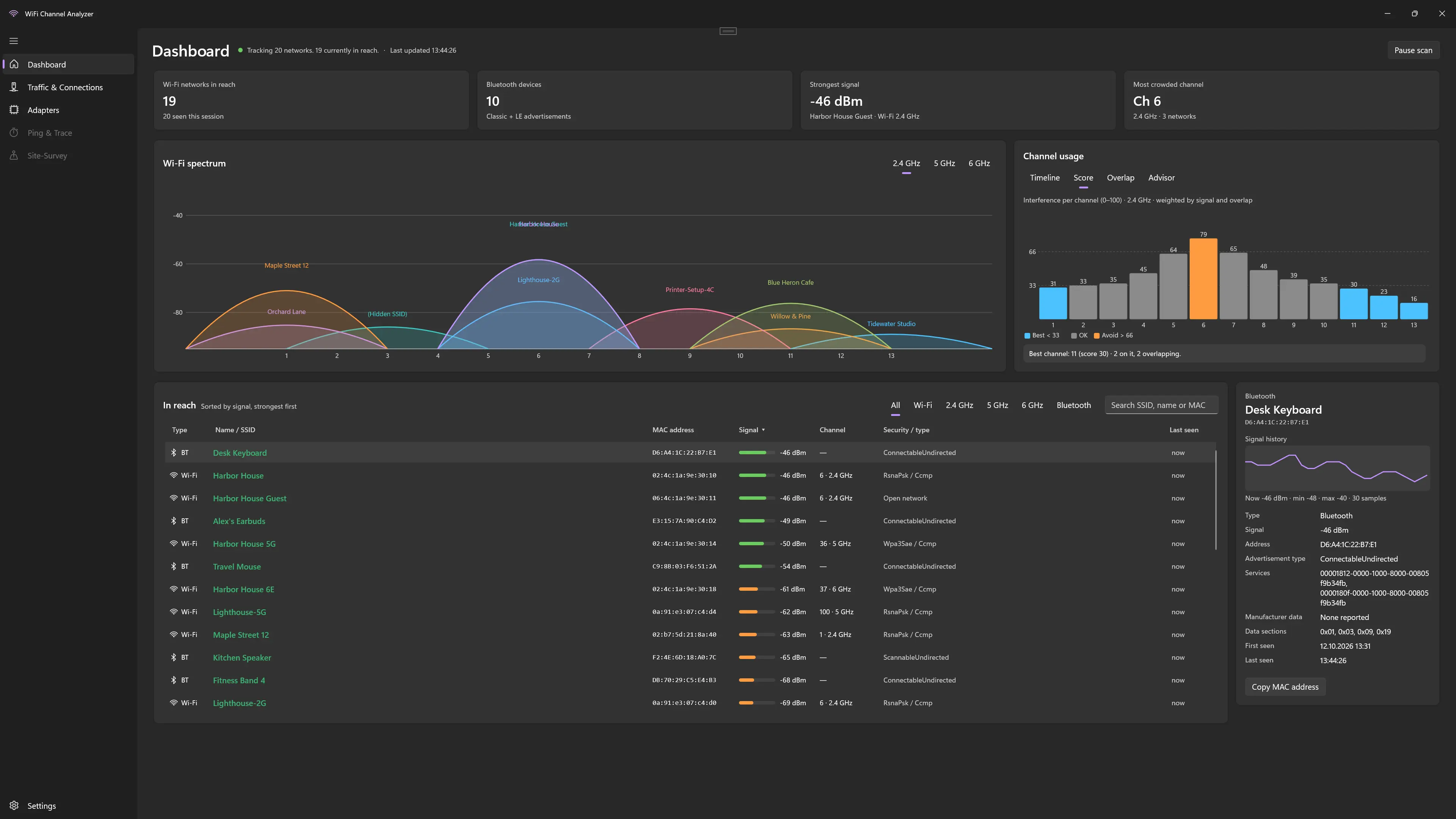
Discover everything in reach of your antennas. See which WiFi channels around you are crowded and pick the one that is free.
See at a glance how busy each WiFi channel is.
Every network in reach of your antenna, with its signal strength.
Spot the least crowded channel for your router.
Get the app from the Microsoft Store.
Let it scan the networks around you.
Switch your router to the least crowded channel.
Windows 11 with a WiFi adapter.
Read how we handle your data in our privacy policy.
Also from us: Photo Search & Viewer →